Welcome. This is your NexusG8.
One address and one card that travel with you, for life. Not another profile to rebuild. This is yours now.
The idea, in four words
Tap. Map. Route. Value.
Everything here runs on that spine. Somebody taps your NexusG8, you appear on each other’s map, the right people get routed to each other, and something comes of it.
Tap
A code, a card, a link in a message. One tap and they are at your NexusG8, with nothing to install.
Map
You both appear on each other’s map: who you are, what you do, which communities you share.
Route
The right people find each other. Who should meet whom, and why, in three colours.
Value
An introduction, a hire, a customer, a marriage. The thing the room was for.
Five places, and that is the whole app
There is nowhere to get lost
Five places along the bottom of your phone. Tap through them here, or let it play.
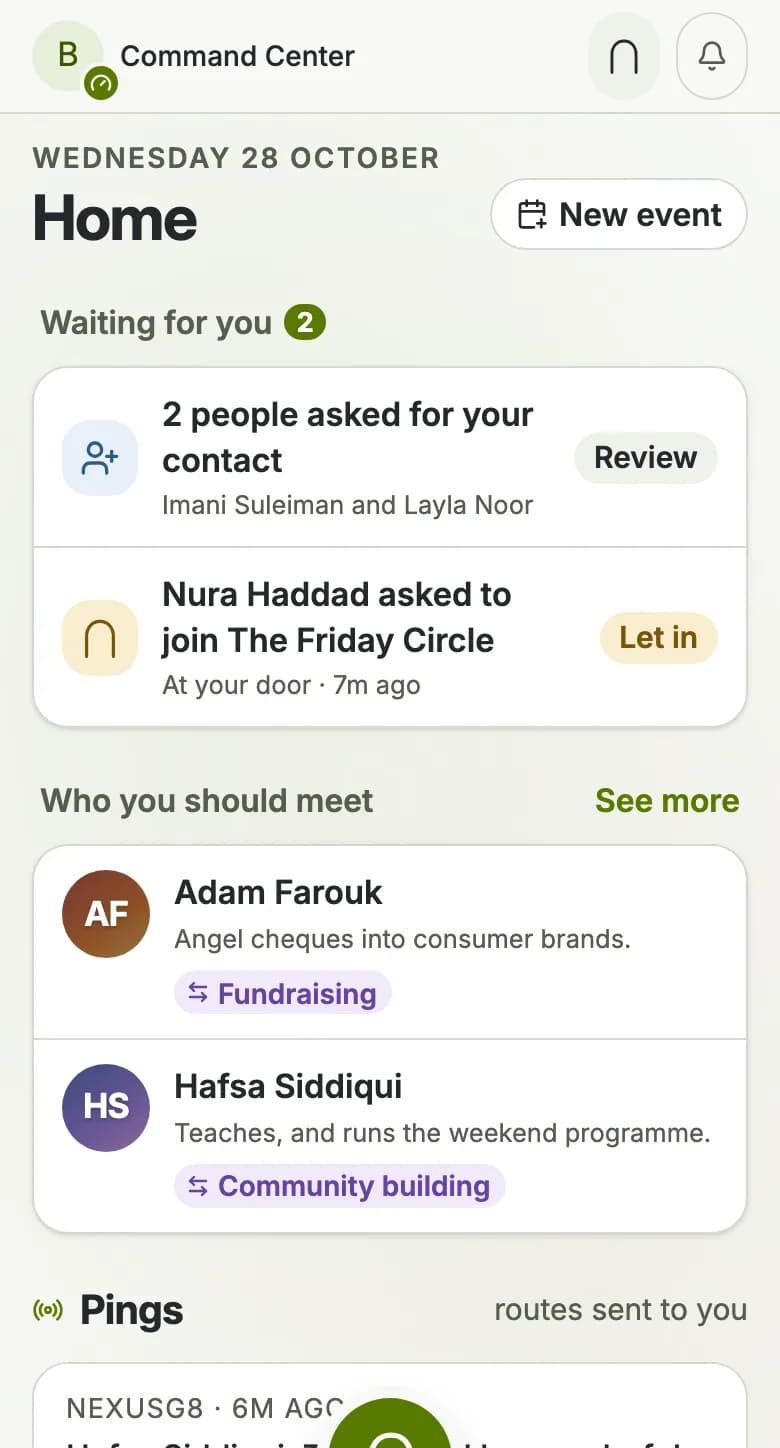
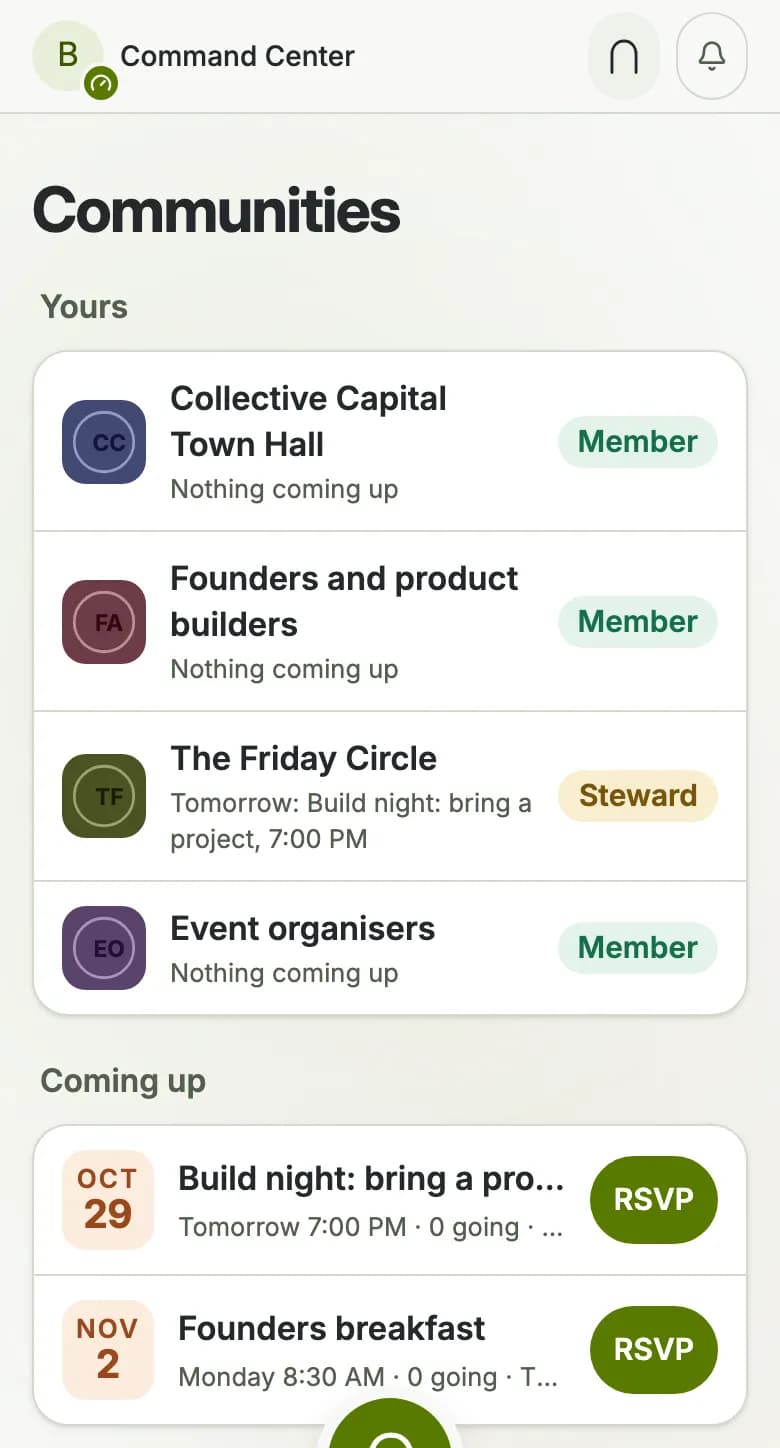
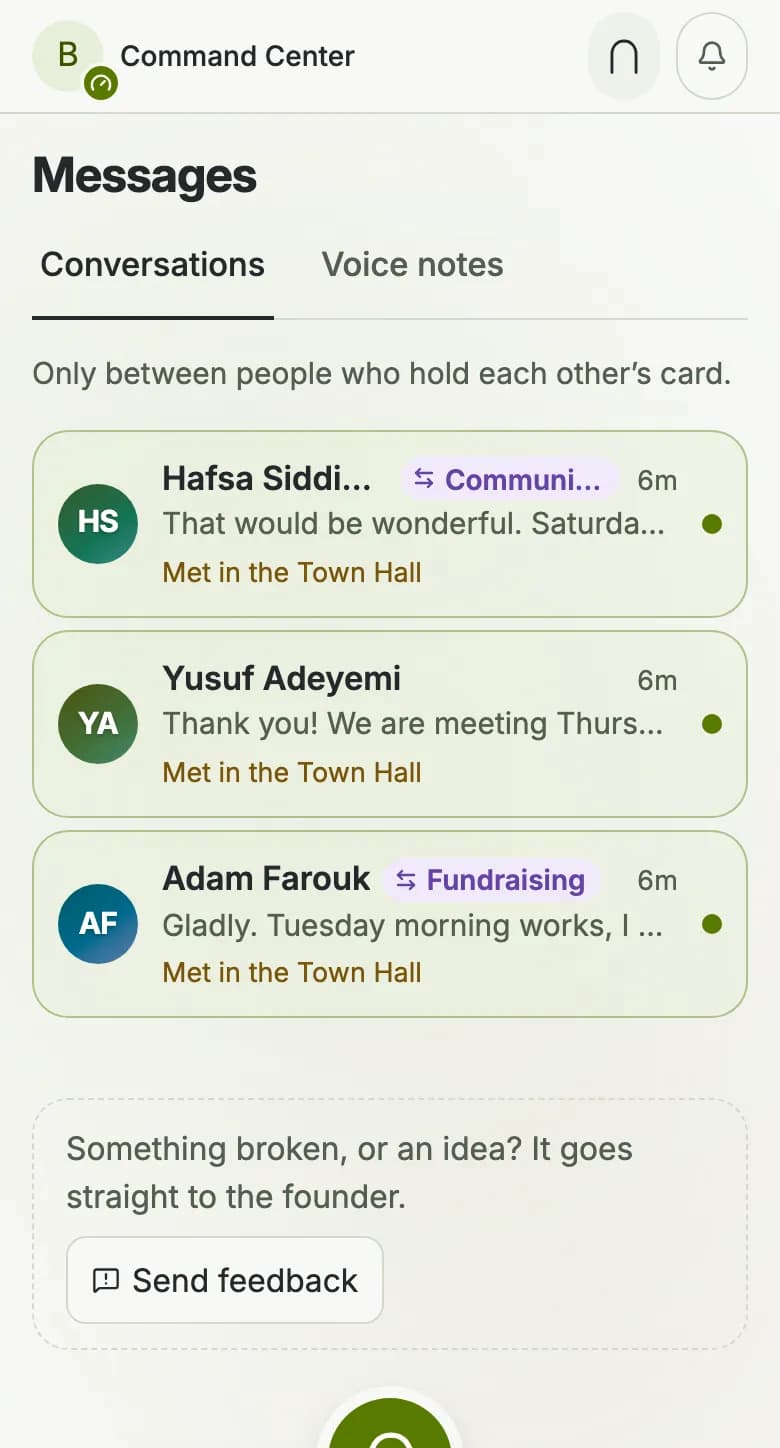
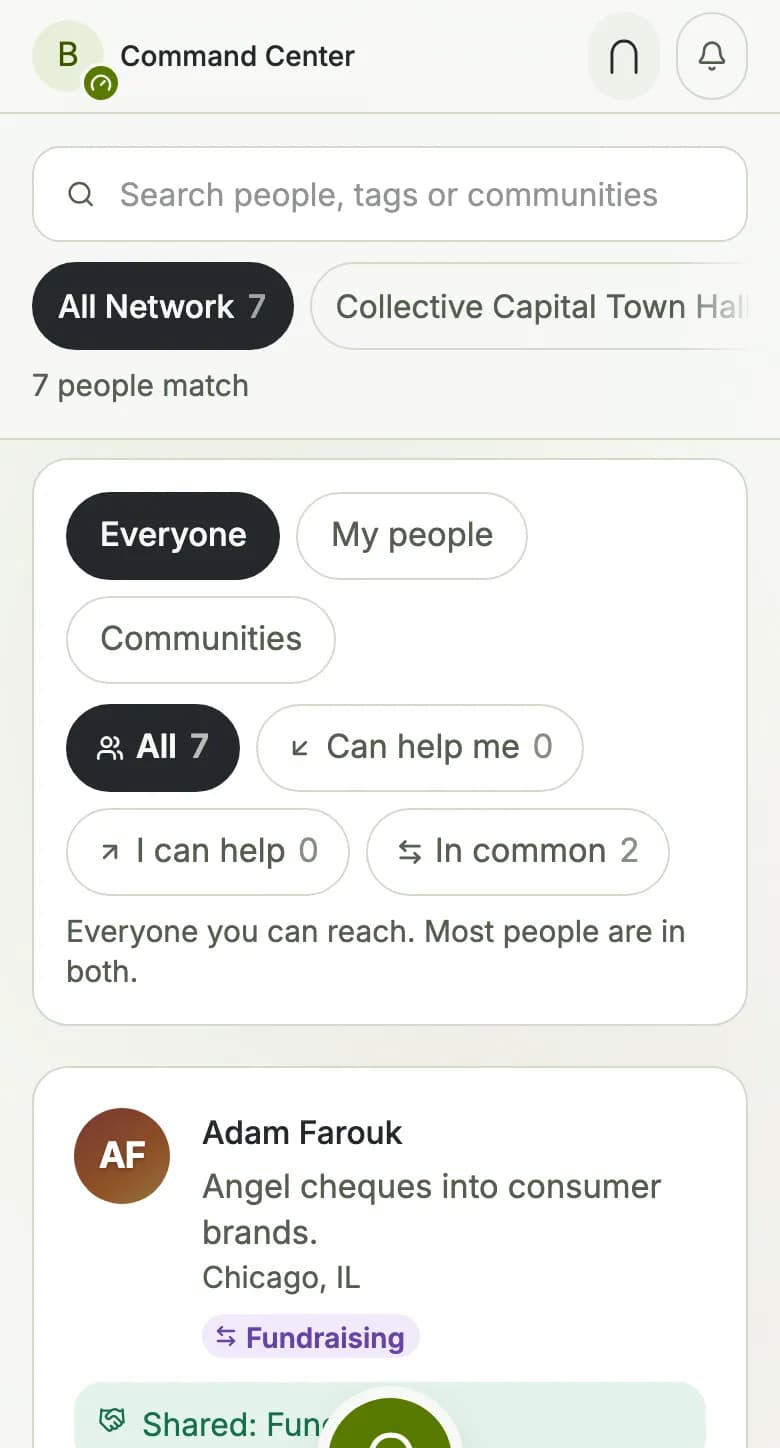
What people actually do with it
Four rooms, one set of rails
The same four verbs, wherever the people already are. Nothing below needs anybody to rebuild a profile.
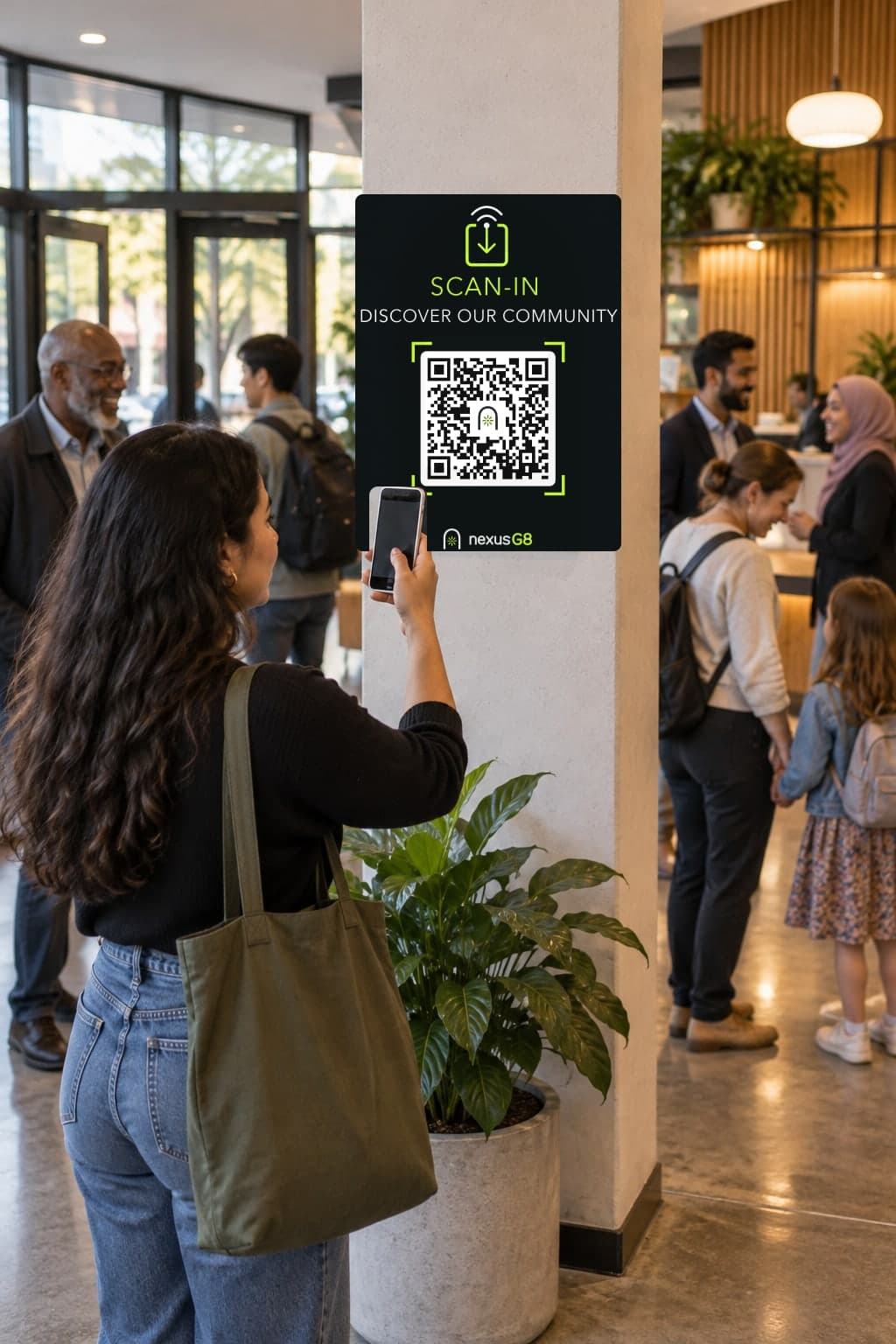
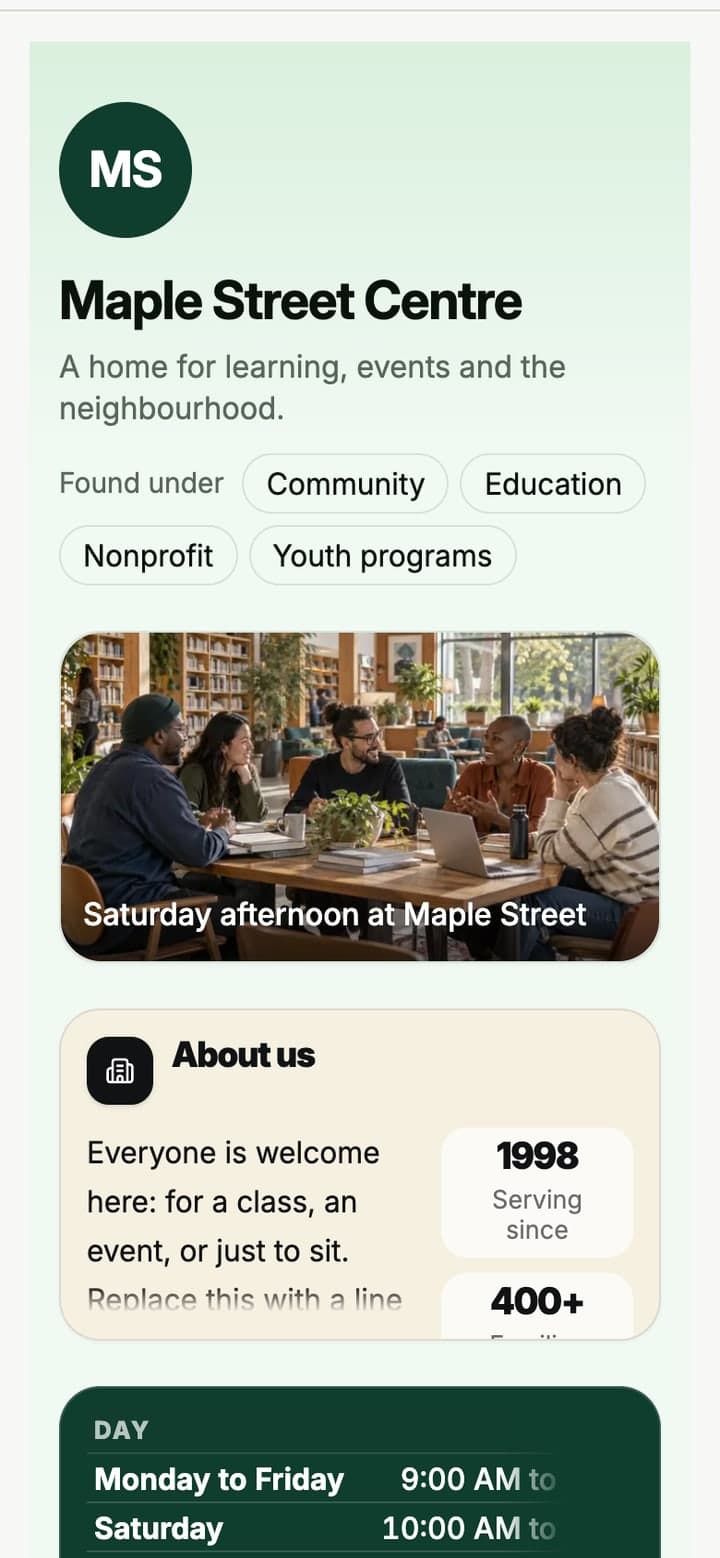
Fifteen hundred people, and no list
The Community Gate becomes the door. Follow is instant, Ask to join waits for a steward. Friday’s announcement reaches the roster instead of six WhatsApp groups.

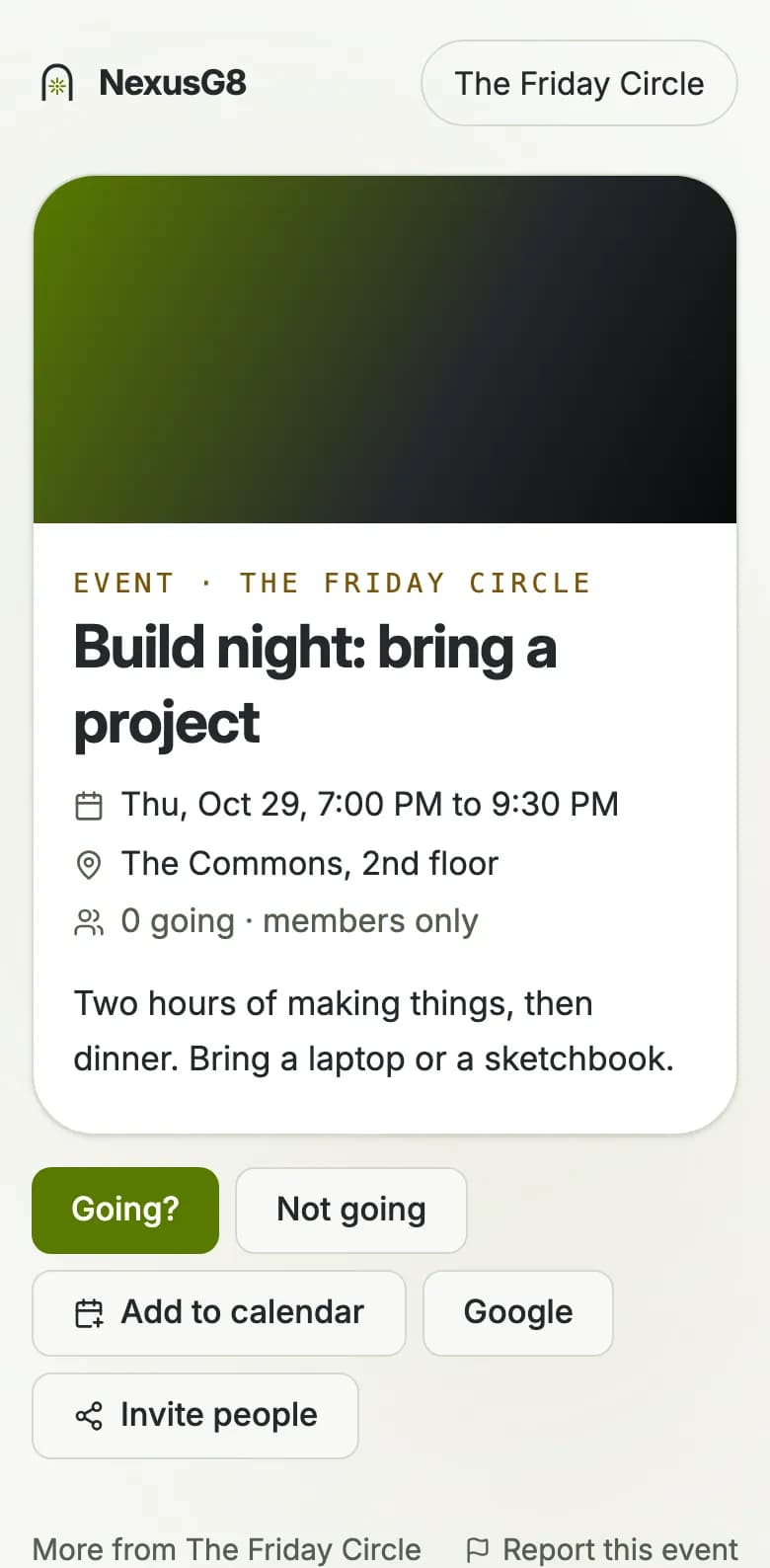
The flyer becomes the event
Send the poster to the number. It is read into a draft you check and post, so the group keeps its chat and the event gets a page, a guest list and a check in.
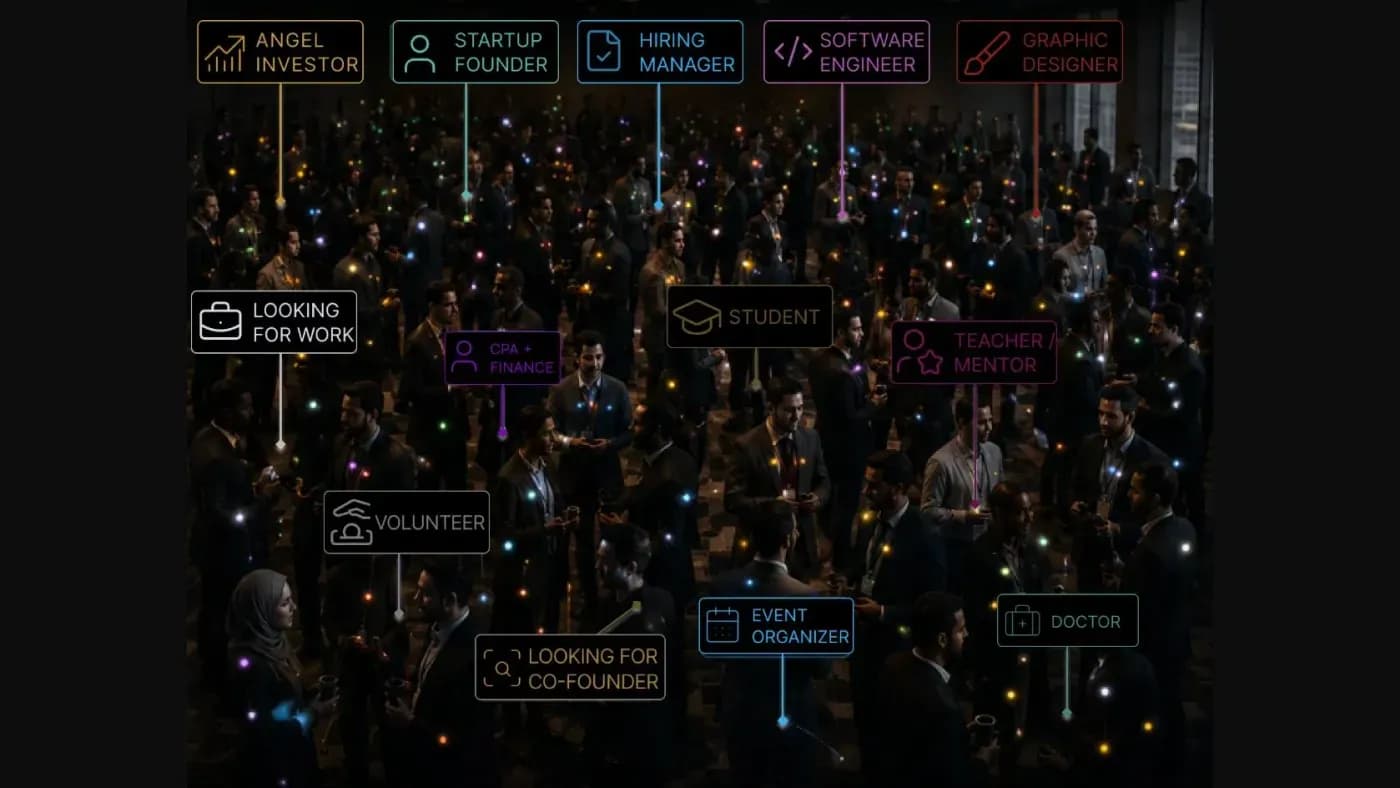
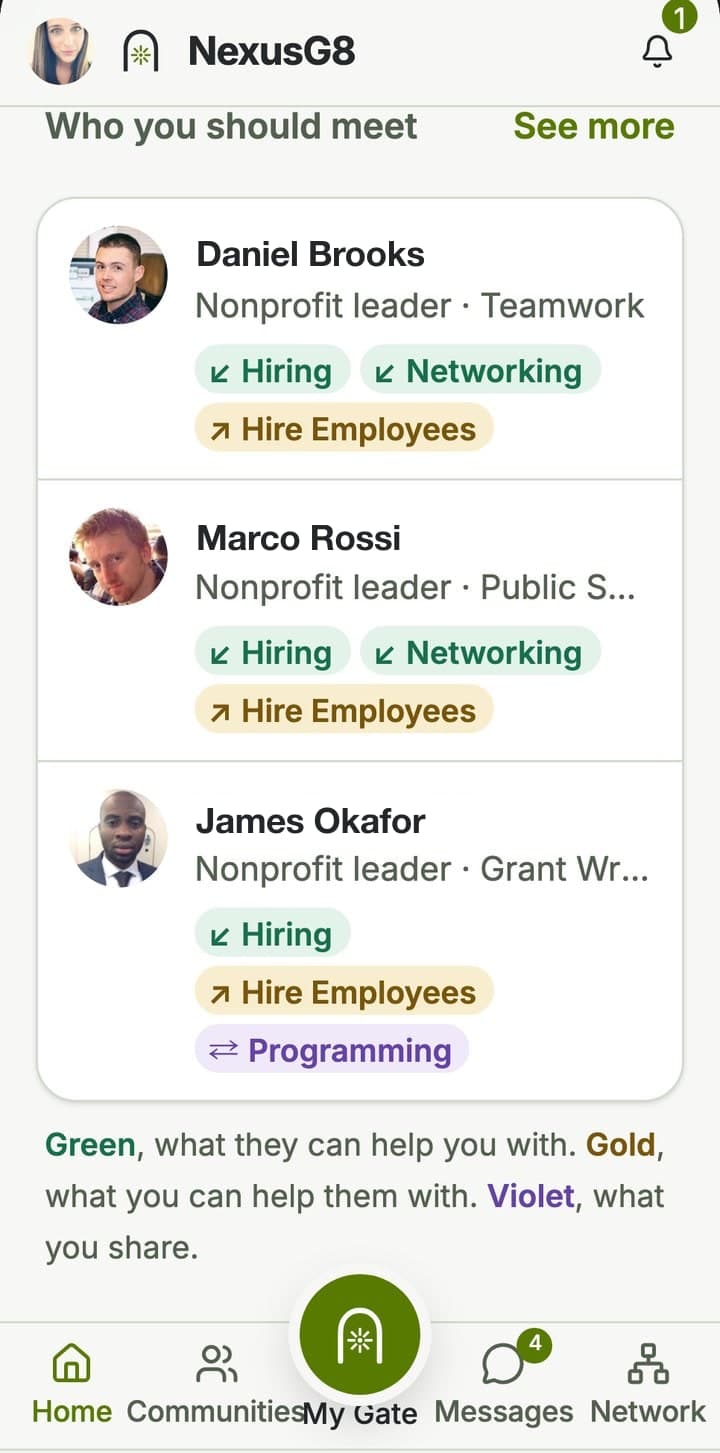
Who in this room should you meet
Green is what they can help you with, gold is what you can help them with, violet is what you share. Worked out from what you each said, never invented.

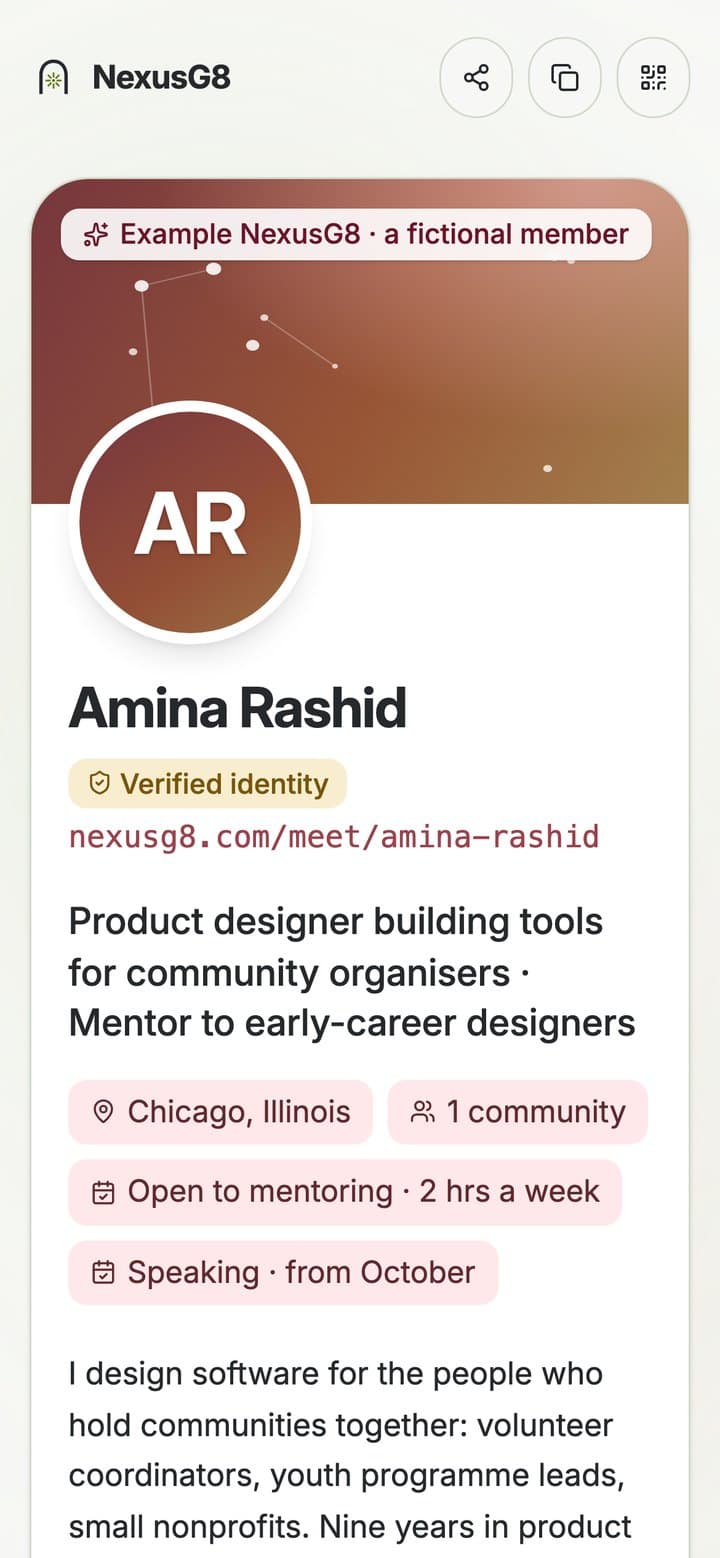
One tap, and they have you for good
A code, an NFC card, a link. They get your card, you get theirs, and it says where you met. No typing a number into a phone across a table.
One word to learn
A Ping is anything routed to you
Not a notification you have to clear. Something a person, a community or the map sent your way because it is yours to answer.
Somebody is at your door
A person asked to join a community you steward, and you can see who already knows them.
You should meet this person
Three a day at most, each with the reason in three colours. Open their Identity Page or leave it.
Something is on tonight
An event in a community you are in, with who else is going and who you should find there.
If you only do three things
Your first five minutes
Put a face on it
A photo and your real full name. Everything else can wait, but a NexusG8 with no face gets tapped and forgotten.
Say what you do, and what you need
Two honest lines. This is the whole of what the routing has to work with, so vague in means vague out.
Walk through one door
Join one community. A NexusG8 on its own is an address; a NexusG8 inside a room is a network.
Carry it with you
One tap, and they have you
You are at a dinner. Somebody you have just met says, send me your details.
One tap on your home screen. Your card is up. They scan it and you both carry on eating.
No spelling out an address, no typing their number in wrong. And they are in your people list with a note of where you met, so next week you still know who they were.
iPhone Safari
It has to be Safari. Chrome on iPhone cannot add it.
- Open nexusg8.com/app in Safari
- Tap Share, the square with an arrow coming out of it
- Scroll down, tap Add to Home Screen
- Tap Add. It is there now.
Android Chrome
Chrome usually offers before you ask.
- Open nexusg8.com/app in Chrome
- Tap the three dots, top right
- Tap Install app, or Add to Home screen
- Tap Install. Done.
 NexusG8WeatherPodcastsRemindersFilesContacts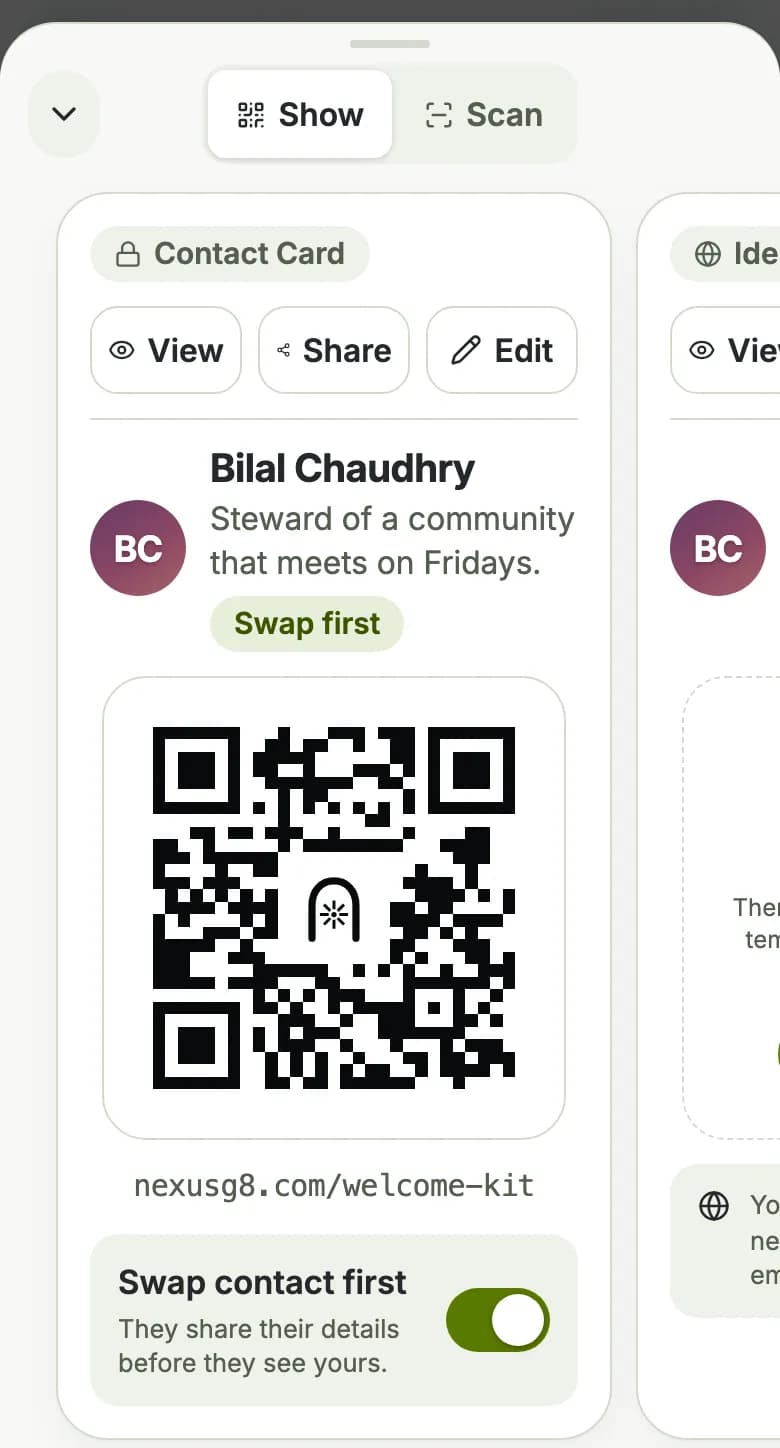
Thirty seconds now. Every introduction after that is one tap.
Without even unlocking
Two clicks, and it is on the screen
You are at the Friday meetup and it is ending. Three people want to stay in touch and everyone is halfway out the door.
Two presses of the side button. Your card is on the screen with the phone still locked. They scan, one after another.
All three land in your people list. You will see who they are, which community you share and who you both already know, before you have got to the car.
Put it there 30 seconds
- Open nexusg8.com/app/wallet on your phone
- Tap Add to Apple Wallet or Add to Google Wallet
- Confirm. That is it.
Bring it up
- iPhone: double press the side button
- Android: double tap the power button, once you switch that on in Google Wallet
Change your number, your title or what your card shares, and the pass updates itself. Everyone who already scanned it sees the new version.
NexusG8nowFollow up with Daniel BrooksMet after the Friday meetupNexusG84m agoMaya Chen is waiting at your doorThe Friday Circle MemberAmina RashidNexusG8@amina-rashidAboutProduct designer building tools for community organisersnexusg8.com/meet/amina-rashid
Locked. Card up. Nobody waiting.
Something they can tap
Hand them the card
You are at a conference stand, a community dinner, a wedding. Eight people want your details and you have about four minutes.
You hand them your card. They hold their phone against it. Your details are on their screen before they have handed it back.
They need no app and no account. Every one of them lands in your people list with where you met, so on Monday you know which eight people those were.
What happens when they tap
- They hold their phone near it. Nothing to install.
- Your card opens on their screen
- They leave their details first, then see yours
- They are in your people list, with where you met
You choose what it opens
Your contact card for people you meet, your page for strangers, your community's door when you are on the stand. Change it any time and the card already in their pocket follows.
Printed with your name and pointed at your NexusG8. Half price while you are new, then it goes back to $19.99. Pre-order, ships December 2026, before the new year.
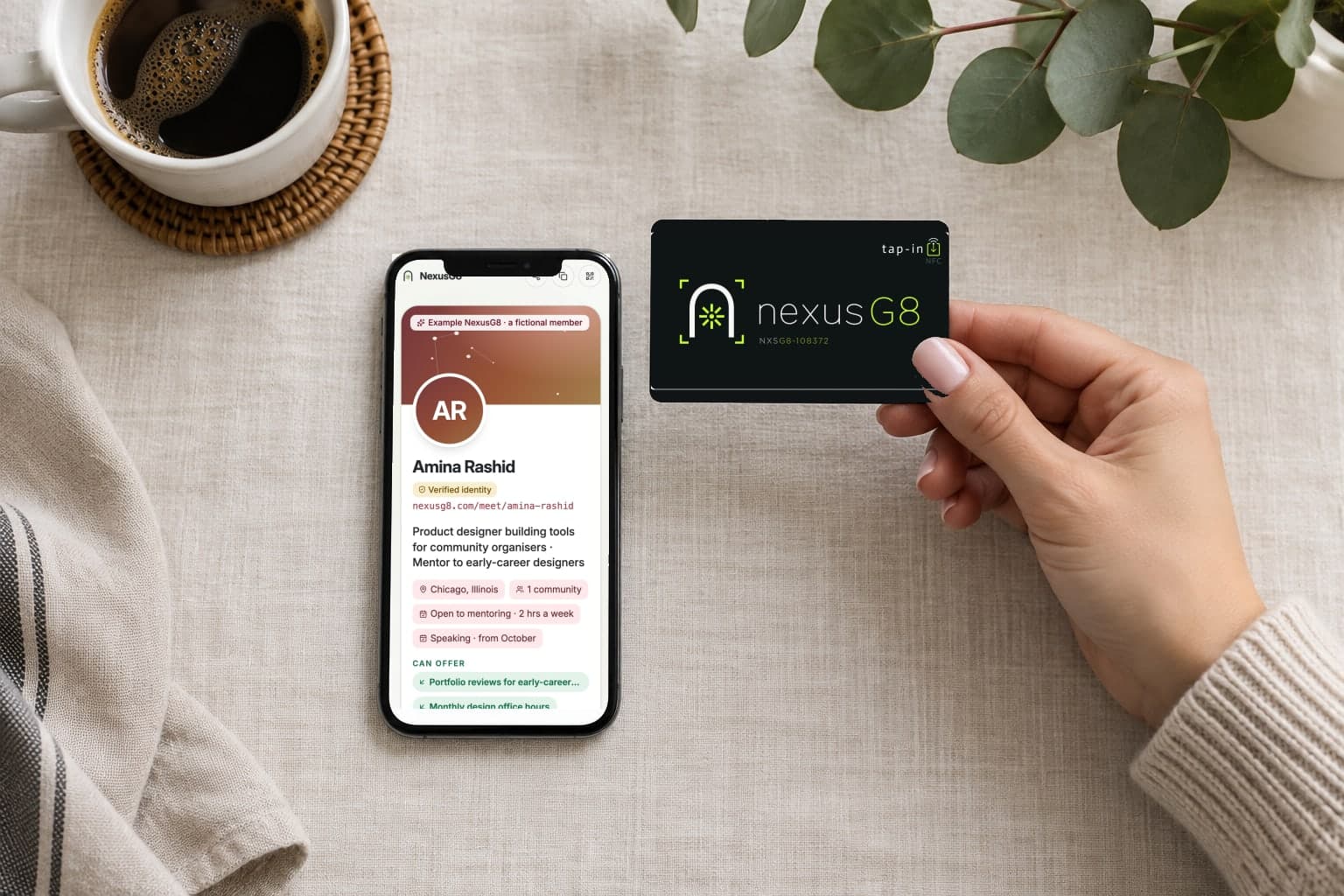
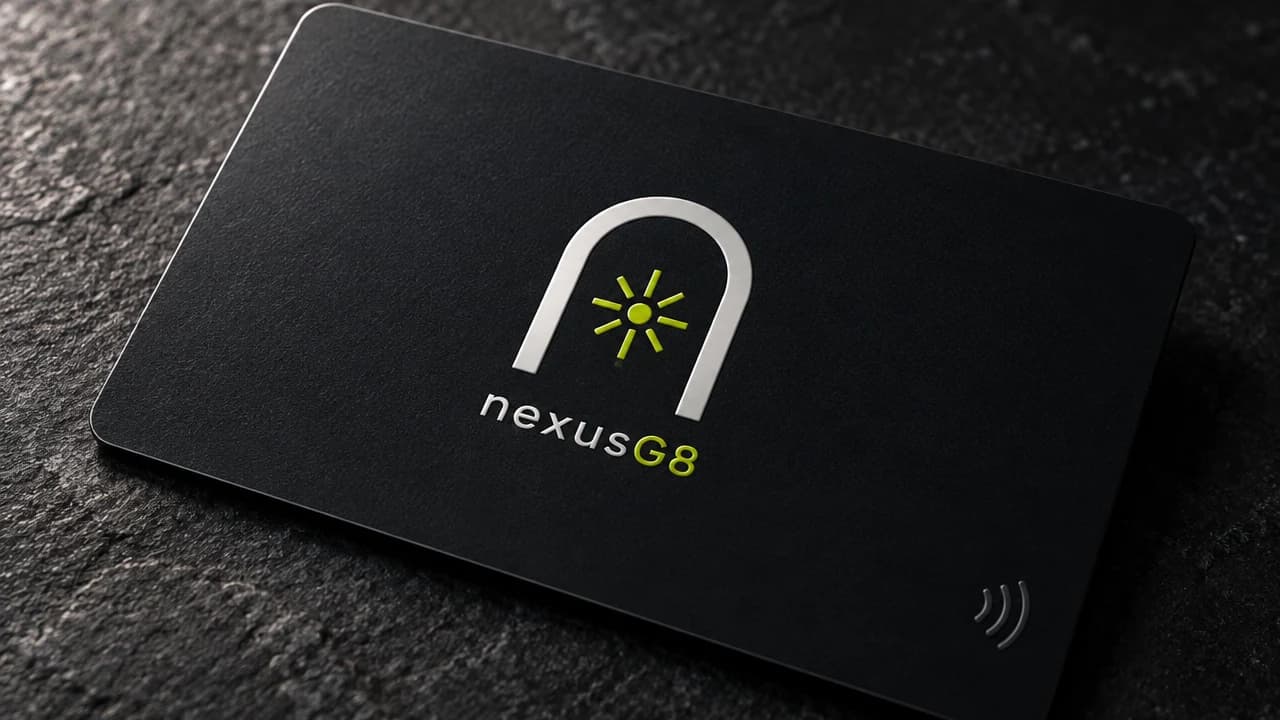
Matte black. They tap it, and your page opens on their phone.
Your NexusG8 is already open
Nothing to install, nothing to rebuild next time. One address, and it stays yours.